UTM SE
Virtual machines for iOS (without JIT support)
osy
Open with AltStore, SideStore, or TrollStore
From UTM Repository — View Source
Description
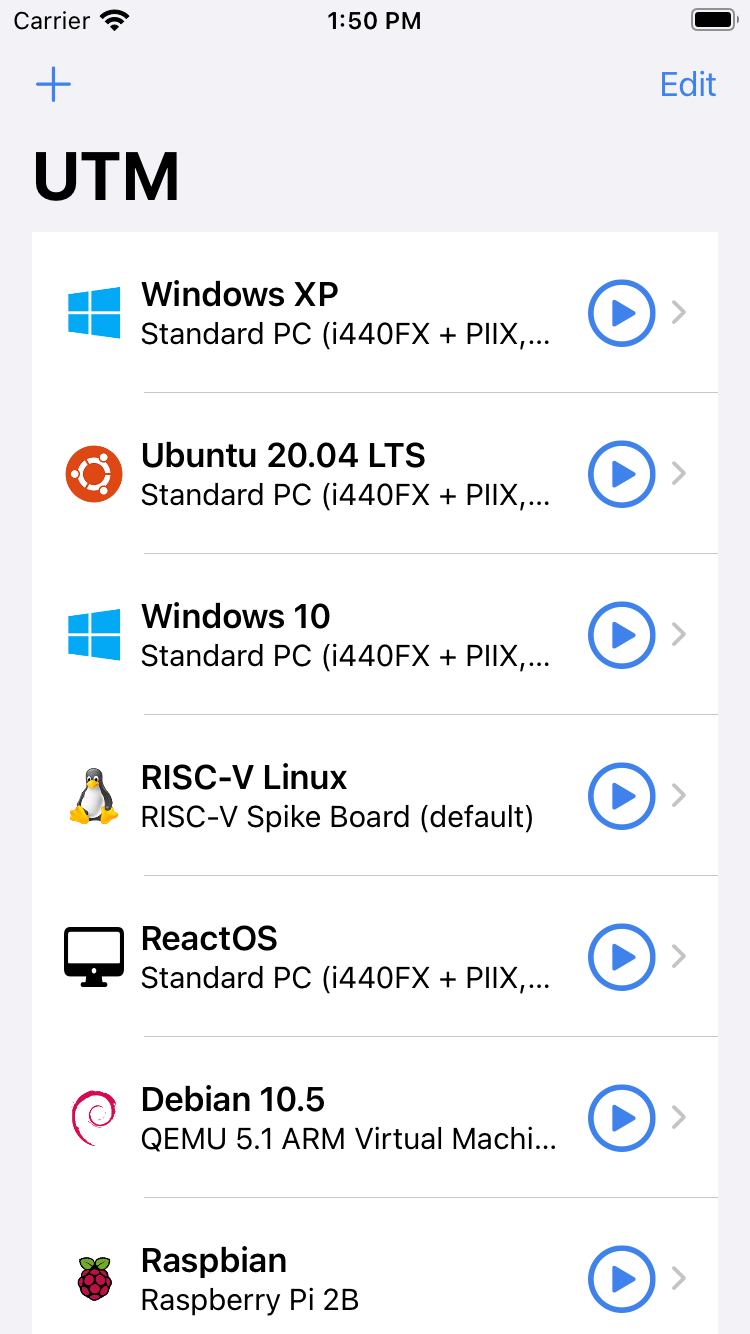
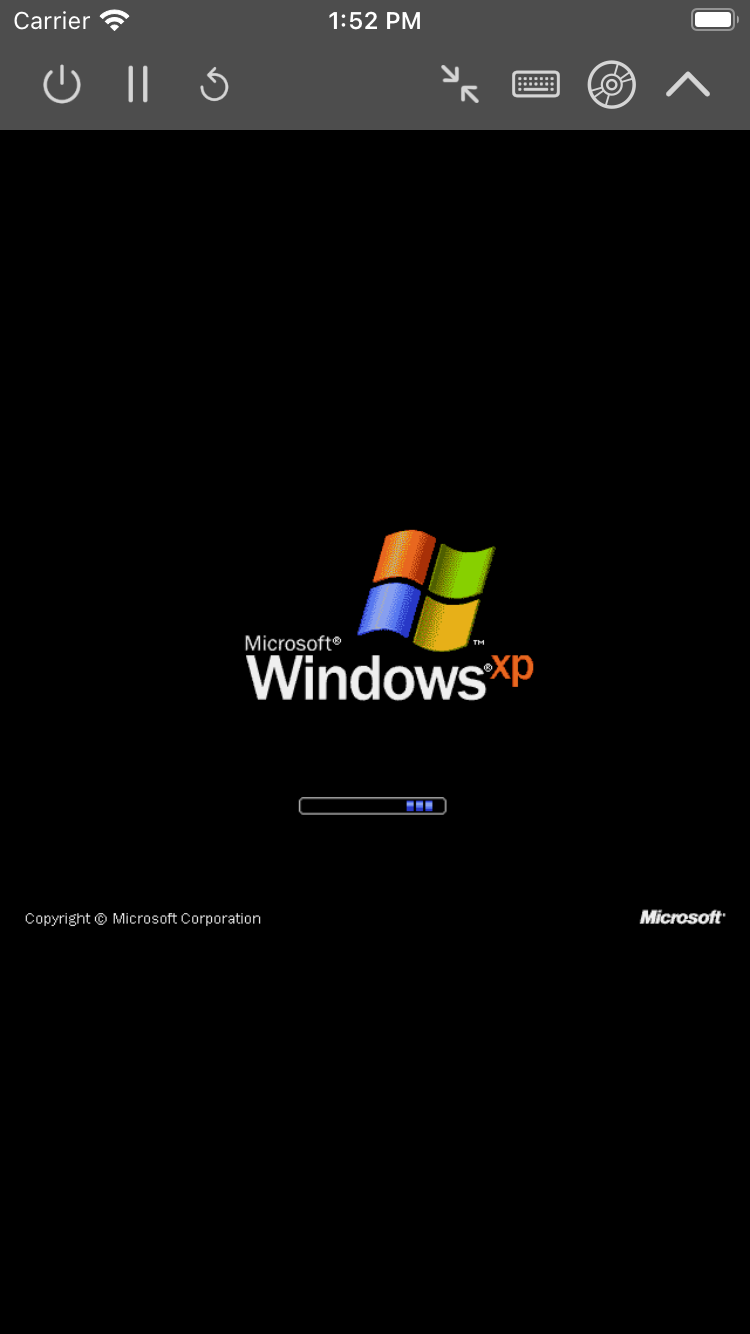
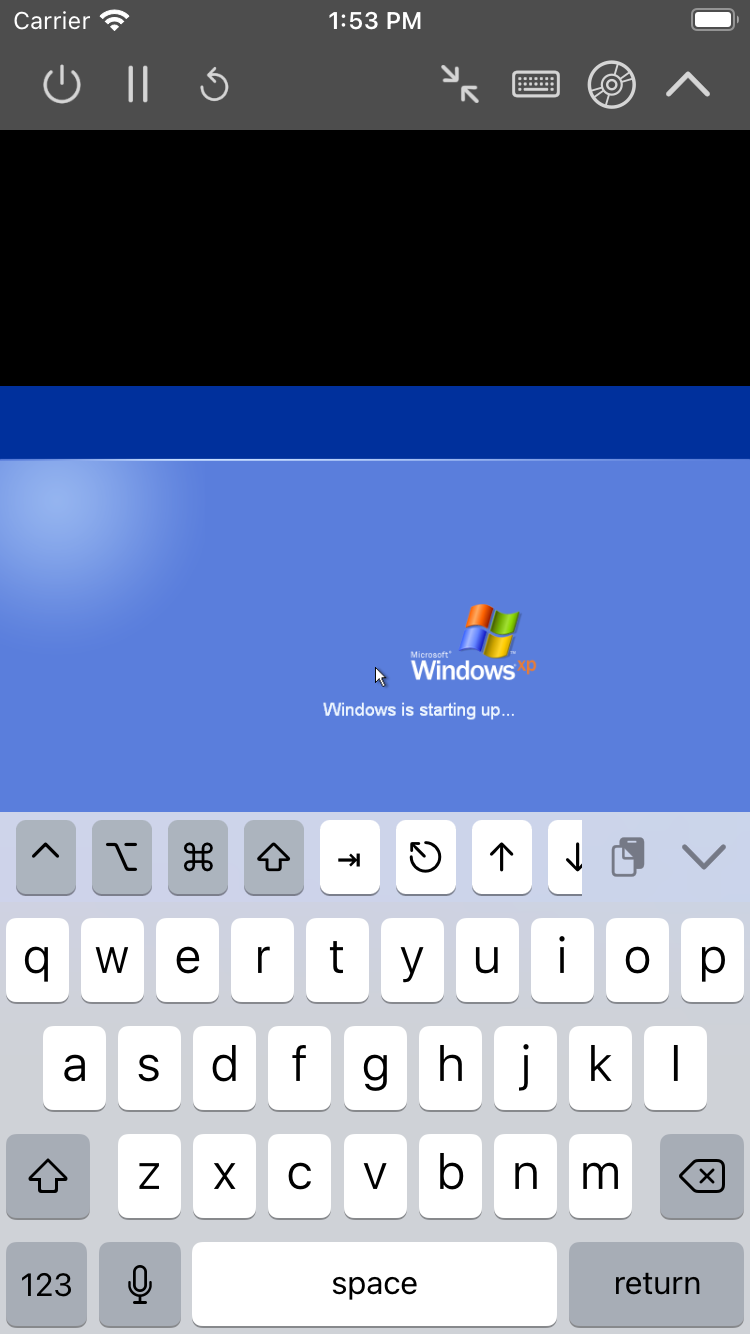
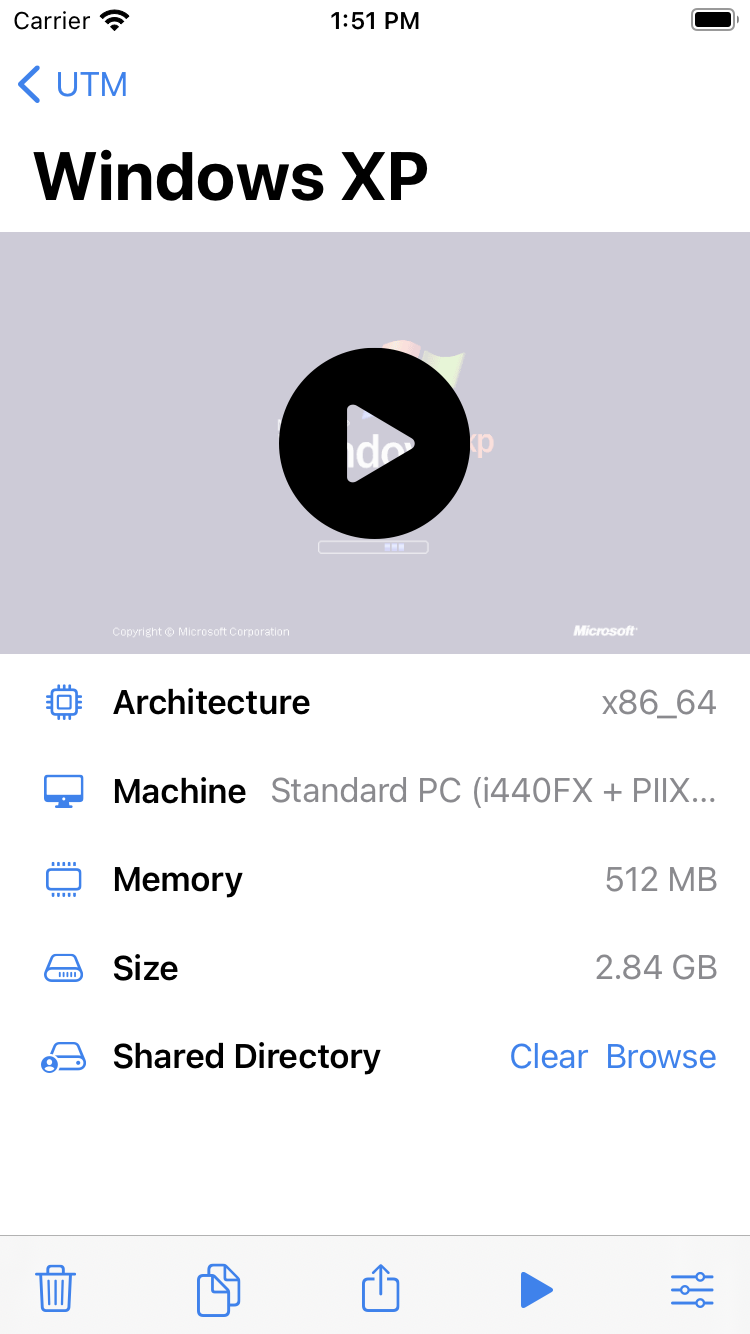
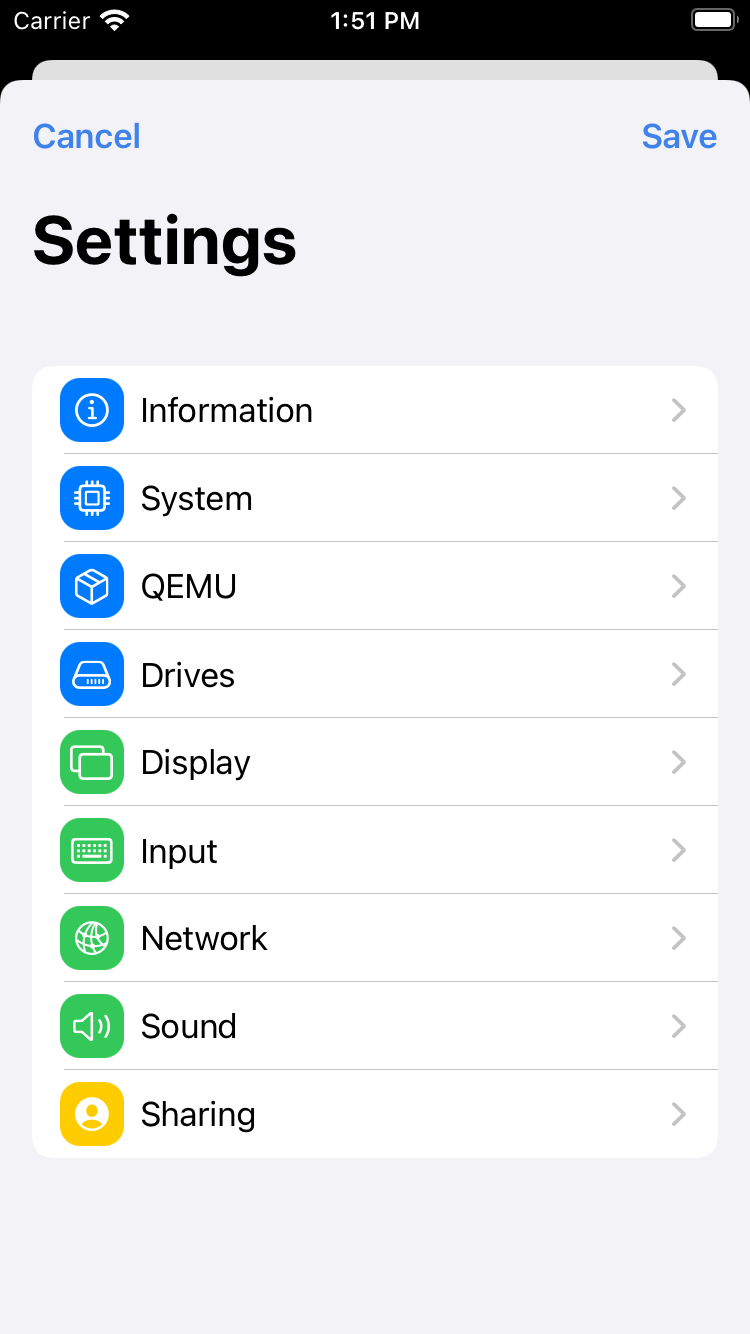
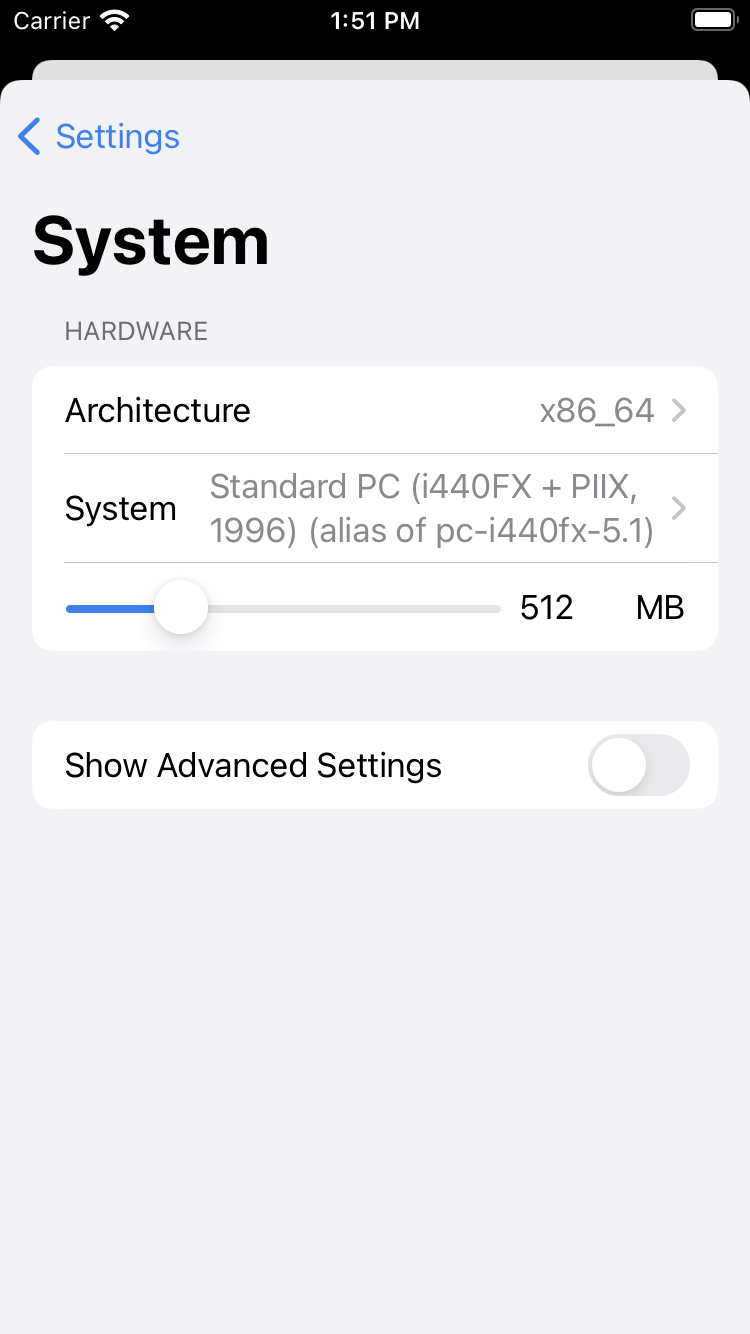
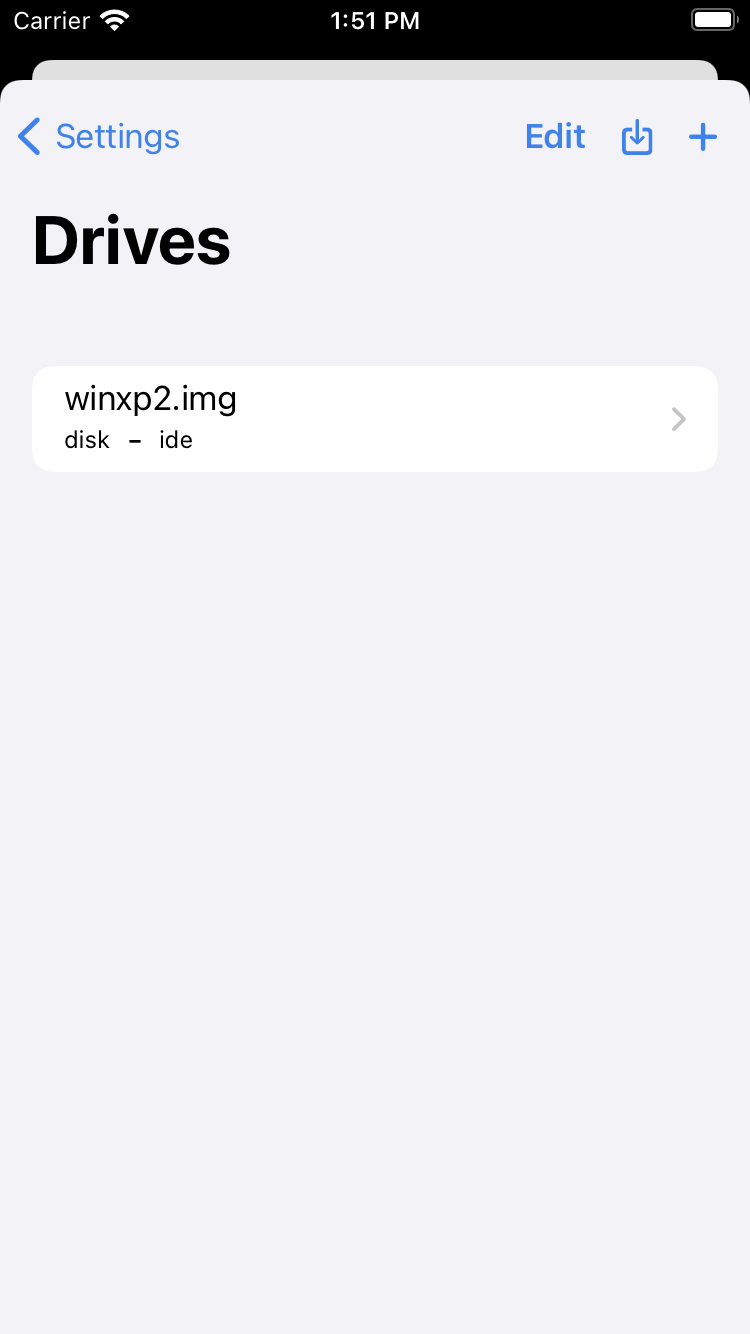
UTM is a full featured virtual machine host for iOS. In short, it allows you to run Windows, Android, and more on your iPhone and iPad. This version runs on all iOS 14+ devices but lacks JIT support and is slower than regular UTM. More information at https://getutm.app/ Features: • Emulate any Processor 30+ processors supported by qemu including x86_64, ARM64, and RISC-V • Run any Operating System Windows, Linux, and more natively and securely on iOS within an App • Fast Emulation Para-virtualization with SPICE and JIT compilation with TCG • High Compatibility iOS 14+ supported. Works on iPhone and iPad. No jailbreak needed • Free and Open Source UTM and its dependencies are all free and open source • Easy to Use Configure and customize your VM in a native UI
What's New
Highlights * **QEMU v10.0.2**: The backend has been updated to the latest upstream QEMU which brings with it a variety of bug fixes and performance improvements. * **Liquid Glass**: UTM adopts the Liquid Glass design on *OS 26. * **App Intents**: New support for automation with Shortcuts. * **Keyboard Shortcuts**: Define custom key combinations (such as Ctrl+Alt+Del) that can be sent to the VM from the new Keyboard menu. * **Improved Wizard**: Simplify the creation of emulated machines by selecting from a list of well-supported configurations. The updated wizard can create more working configurations such as RISC-V64 Ubuntu, classic Mac OS 8.x/9.x, and Windows 95/98. Changes (v4.7.5) * Fixed some rare conditions that could lead to a VM fail to start and spin infinitely * Fixed some rare crashes that can happen after a VM stops * Fixed parsing of file paths with commas in the name (thanks @nikolan123) * ANGLE: Fixed a memory leak issue in the GLES backend (#7546) (thanks @cnnn) * ANGLE: Fixed a memory leak issue in the Metal backend (#4958) * Localization: Updated Chinese (Hong Kong, Simplified) (thanks @changanmoon) * (macOS) Fixed App Intents on macOS 26 (#7412) (thanks @peterneutron) * (macOS) Fixed an error when file locking is disabled and a removable drive with no image selected is started (#7527) * (macOS) AVF: Fixed shared directory disconnecting when window is resized (#7488) (thanks @evan314159) * Hotfix: (1/3/25) An earlier release of v4.7.5 has an issue that prevented VMs from starting. Make sure you are on build 118. Changes (v4.7.4) * (macOS) Fixed a crash on VM start when a toolbar menu was reinitialized (note v4.7.4 was re-released to address this) (#7408) * Home: Fixed layout issue with button titles * (macOS) Fixed a crash when VM exits while USB is active * (iOS) Support for StikDebug on iOS 26 (non-SE only) Changes (v4.7.3) * Fixed a crash when starting a VM results in a block device error * Stop button can now be used a second time to force kill a VM if it is unresponsive after stopping for the first time * libusb: Fixed multiple race conditions that caused crashes when using USB capture * CocoaSpice: Fixed multiple race conditions that caused crashes during VM start * Localization: Updated Chinese (Hong Kong, Simplified) (thanks @changanmoon) * (macOS) Scripting: Fixed broken commands due to name collision (#7360) * (macOS) Fixed crash when exiting full screen (#7377) Changes (v4.7.2) * (macOS) AVF: Fixed a crash when starting any Apple Virtualization VM (#7355) (We are re-releasing v4.7.2 with build 112 due to this critical bug.) * Home: Display network details and active IP addresses on the home details screen (thanks @gabefair) * Home: Show a security warning message when importing a .utm with custom arguments (#6252) * Config: Option to reset UEFI without pre-loading Secure Boot keys (useful for custom TPM configurations) (#7005) * Config: Pre-loading Secure Boot keys will now install Microsoft UEFI 2023 certificates (#7257) * Config: When PS/2 device is enabled, no longer create USB mouse and keyboard devices. This allows older Windows install to work out of the box. * Config: Quotes in custom arguments are no longer stripped (unless the only quotes wrap the entire argument) (#6343) * Config: Provide a fixed serial number for VirtIO block devices (#7332) * QEMU: Fixed an issue which causes Windows 98 to BSoD (#7342) * QEMU: Do not create a default floppy drive when -nodefaults is used. UTM configuration will set up a FDC device and this is the only way to set up bootindex for floppy. * Wizard: Legacy Windows configurations will now use PS/2 controller by default * Wizard: Update OS logos to be consistent with other icons * Wizard: Windows + i440fx hardware will now instantiate default devices (sound, VGA, networking) that should work with Windows 95/98 * Wizard: Add additional supported hardware configurations for running older Windows * Wizard: Support floppy boot for Windows configuration * Scripting: New input automation suite for sending keyboard and mouse input (#6462) * USB: Fixed a rare crash when initializing the USB devices list (#5811) * SPICE: Fixed an issue where monitor configuration sent to spice-vdagent contains an invalid size (#5832) * Localization: Updated Chinese (Hong Kong, Simplified) (thanks @changanmoon) * (iOS) Toolbar: Fix foreground issue on iOS 26 beta 5 and higher * (macOS) Added ability to auto-connect USB devices on start (#3400) * (macOS) Fixed connecting USB devices from secondary windows * (macOS) New "Virtual Machine" menu which mirrors the actions accessible through the toolbar * (macOS) Keyboard Shortcuts toolbar icon is no longer shown by default (it can be placed on the toolbar through View -> Customize Toolbar). It is also accessible through the "Virtual Machine" menu. * (macOS) Fixed sending simultaneous mouse button presses (#7068) * (macOS) utmctl: Add `version` command to detect current UTM version * (macOS) Settings: New option to disable key swapping on ISO keyboards (#6976) * (macOS) Settings: New option to randomize network MAC addresses on clone (#7035) Changes (v4.7.1) * New Liquid Glass icon thanks to @forcequitOS * Added App Intents for VM operations (#6245) * Added UEFI boot support for RISC-V64 and LoongArch64. This allows Ubuntu for RISC-V64 to work out of the box. (#7183) * QEMU PPC: Disable `bootindex` when `boot-device` is used in prom-env. This allows Yellow Dog Linux for PPC to work out of the box. (#6436) * QEMU x86_64: Fixed floppy boot order configuration for other PC models (isapc, i440fx) (#7166) * QEMU PPC/M68K: Includes classicvirtio drivers to support cursor input without capture and directory sharing (#6520) * QEMU M68K: Fixed virtio drive config (#7008) * Fixed a rare crash after stopping VM due to a race condition in libusb * Home: improve screenshot contrast in Dark Mode (#6894) * Config: Fixed a crash when trying to enter a large size value when creating a new drive (#7295) * Config: Corrected the default host IP address in port forwarding config to "0.0.0.0" when it incorrectly displayed "127.0.0.1" (#7132) * Keyboard Shortcuts: Create custom combinations of keyboard shortcuts from either Settings -> Input or via the Keyboard icon in the VM (press and hold on iOS/visionOS). This will allow you to easily send key commands such as Ctrl+Alt+Del or Stop+A to the VM. (#5698, #6310, #6757) * Wizard: New option to import an existing drive image when setting up a Linux VM. This allows Ubuntu for RISC-V64 to work out of the box. (#7183) * Wizard: New option to create a serial port only Linux VM. This allows Ubuntu for RISC-V64 to work out of the box. (#7183) * Wizard: Removed VHDX import option because Microsoft now provides ARM64 ISO images. Note: You can still create manually import an VHDX after creating a new VM. * Wizard: New template to create classic Mac OS VMs for M68K and PPC (#3504, #6890) * Wizard: Most common and supported machines for emulation are now listed prominently with the full list of supported QEMU architectures/targets hidden behind an "Expert" mode. This is necessary because most of the QEMU targets are not properly supported by the wizard anyways and does not generate a bootable config. They usually require a lot more manual tinkering. The page order of the wizard is also tweaked so the hardware config comes before the boot config now. * Localization: Updated Chinese (Hong Kong, Simplified) (thanks @changanmoon) * (iOS SE) Fixed a crash when launching ArchLinux due to mis-handling of REV32 * (iOS SE) Fixed a crash when the first instruction executed is a goto * (iOS SE) Removed ARM32, RISC-V32, and added M68K. There is little use for ARM32 and RISC-V32 as they cannot boot anything useful that cannot also be booted by the 64-bit variant (which is still included). If you have a counter example of this, please open an issue on GitHub and we can consider re-adding it back in the future. However, removing these will make the app size a lot smaller. M68K is added to support classic Mac OS. * (macOS 11) Fixed guest tools mounting (#7297) * (macOS 11) Fixed stop button not working (#7298) * (macOS) Fixed a bug where an error message on startup leads to the window being stuck (#7161) * (macOS) Settings: New setting to disable file locking so VMs can be launched from a network share or a filesystem that does not support locking (#7211) * (macOS) Settings: New setting to disable screenshots completely for privacy reasons (#6620) * (macOS) Settings: New setting to swap Ctrl and Cmd keys in VMs (#4003) * (macOS 26) Settings: Brand new layout with a sidebar to match other native apps * (macOS) AVF: Added clearer message when trying to install macOS beta without having the latest beta support tools installed * (macOS) AVF: New option to resize (expand) disk images (#6891) * (macOS 26) Fixed a layout issue with the resize image popover * (macOS) Home: Fixed hide sidebar button * (macOS) Config: Show localized network adapter names when available (#7287) (thanks @Schamper) * (macOS) Scripting: Fixed an issue where wrong UUIDs were generated for display configs (#7145) Changes (v4.7.0) * Updated to QEMU v10.0.2 * Config: In the RAM slider, the maximum value has been increased to 64GiB (note that you can always go above the slider limit by typing in the text box) (#7234) * Localization: Updated Chinese (Hong Kong, Simplified) (thanks @changanmoon) * Wizard: Fixed crash when VM name is empty (#7245) * (iOS) Toolbar: Refactored toolbar button layout code * (macOS) Host only networks: you can set up multiple host-only networks (including ones shared by VMware) and have multiple VMs on the same virtual network (thanks @Schamper) * (macOS) utmctl: added option to boot Apple VMs into recovery mode (thanks @cees-elzinga) * (macOS) ~~Enable QEMU support for vmapple (#7150)~~ Machine model is removed for stability reasons but `apple-gfx-pci` is still supported for Intel VMs * (macOS) Rename the main window to 'UTM Library' (#7264) * (macOS) Display an error when IPSW install fails to load the file (instead of crashing) (#6855) * (macOS) Settings: Fixed a layout issue (#7117) * (macOS) Apple Virtualization: Add support for ASIF drive images. On macOS 26, ASIF drives will be created by default. Issues Please check the full list on [Github](https://github.com/utmapp/UTM/issues) and help report any bug you find that is not listed. Installation * [iOS](https://docs.getutm.app/installation/ios/) * [macOS](https://docs.getutm.app/installation/macos/) | File | Description | Installation | JIT | Hypervisor | USB | |------|------------|--------------|-----|-----------|-----| | UTM.deb | Jailbroken iOS version | Open in Cydia, dpkg, or Sileo | Yes | Yes(1) | Yes | | UTM.dmg | macOS version | Mounting and copying UTM.app to /Applications | Yes | Yes | Yes | | UTM.ipa | Non-jailbroken iOS version (sideloading) | AltStore, etc (see guide) | Yes(2) | No | No | | UTM-HV.ipa | Non-jailbroken iOS version (TrollStore) | TrollStore | Yes | Yes(1) | Yes | | UTM-SE.ipa | Non-jailbroken iOS version (sideloading) | AltStore, enterprise signing, etc | No | No | No | | UTM-Remote.ipa | Remote client | Any | No | No | No | 1. Hypervisor on iOS requires an M1 iPad or newer. 2. Enabling JIT may require a separate JIT enabler such as [Jitterbug][2] or Jitstreamer. [1]: https://getutm.app/install/ [2]: https://github.com/osy/Jitterbug
Screenshots